How to download my certificate?
To download your certificate you first need to earn one.
If you answer at least 80% of the questions right you will pass the quiz and earn your certificate.
Then follow these steps to download your certificate in PDF format.
- Go to my courses page.
- Find the course.
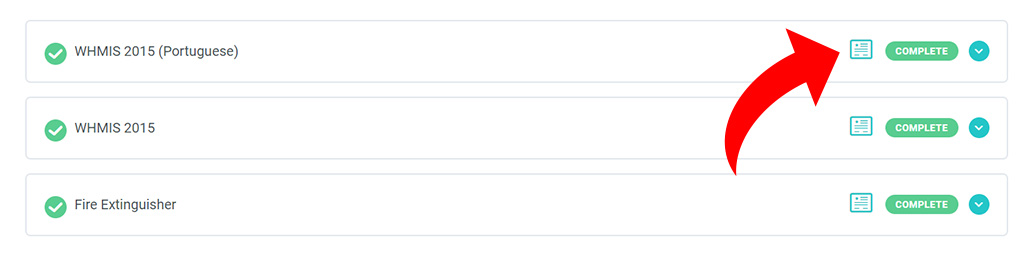
- Click on the icon below certificate to download it.
Some web browsers will open the PDF file in the browser, and others might download the file to your computer. If you want to directly download the certificate to your computer right-click on the certificate icon and select “save link as”.